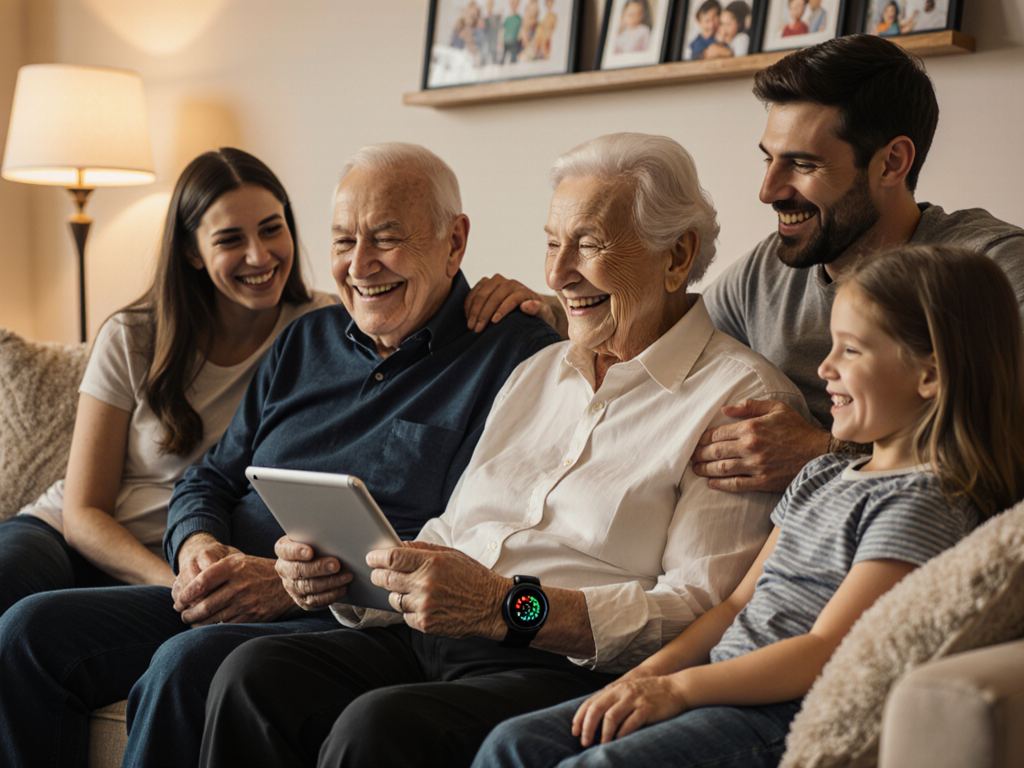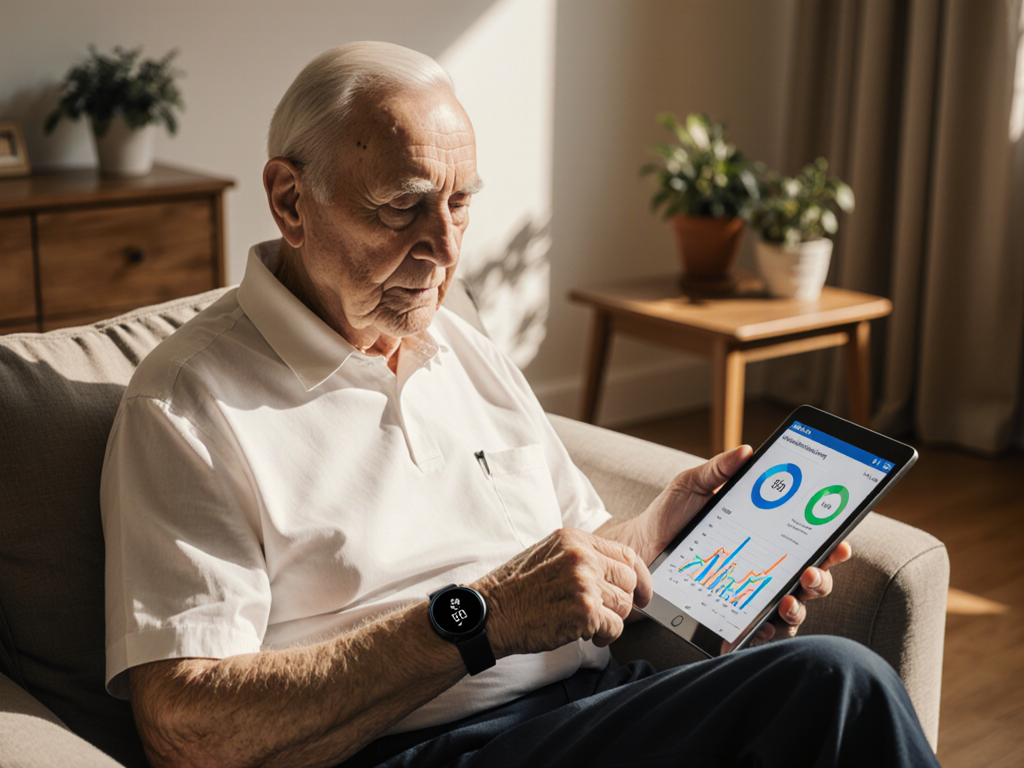

Here’s a caregiver’s step-by-step guide to introducing technology like the Pulsevia Smart Medical Watch to seniors effectively:
1. Start with Their Needs
Begin by explaining how the technology addresses specific concerns or improves their daily life.
- For example, if safety is a priority, highlight features like fall detection, SOS alerts, or GPS tracking.
- If health is a concern, explain how real-time vitals monitoring can help detect potential issues early and provide peace of mind.
By framing the technology as a solution to their needs, seniors are more likely to be receptive.
2. Choose User-Friendly Devices
Simplicity is key when introducing technology to seniors.
- Select devices with intuitive interfaces and clear instructions, like Pulsevia, which has easy-to-read screens and straightforward functions.
- Opt for wearable devices with comfortable designs to ensure they’ll use them regularly without discomfort.
3. Demonstrate and Practice Together
Hands-on demonstrations are far more effective than verbal explanations.
- Show them how the device works step by step, such as how to view their vitals or activate the SOS button.
- Let them try it themselves and practice in a low-pressure environment. Repetition helps build confidence.
4. Focus on One Feature at a Time
Avoid overwhelming them with all the features at once. Instead, introduce one function at a time.
- Start with a simple feature, like checking their heart rate or learning how to charge the device.
- Gradually move to more advanced functions, such as using the fall detection or geofencing capabilities.
5. Provide Clear, Written Instructions
Supplement your teaching with written or visual guides.
- Create a step-by-step guide with illustrations or screenshots.
- If the device comes with a manual, highlight the most relevant sections for them.
6. Highlight the Benefits of Independence
Many seniors worry that using technology means they’re losing autonomy. Reassure them that it’s the opposite.
- Emphasize how devices like Pulsevia allow them to stay independent while ensuring their safety.
- Show them how it can reduce the need for constant caregiver check-ins, giving them more freedom.
7. Be Patient and Reassuring
Learning new technology can be frustrating at first.
- Encourage them to take their time and assure them that mistakes are okay.
- Celebrate small successes to build their confidence. For instance, cheer them on when they successfully use a feature for the first time.
8. Offer Ongoing Support
Technology isn’t a one-and-done introduction.
- Be available to answer questions and troubleshoot as needed.
- Check in regularly to ensure they’re comfortable with the device and using it consistently.
9. Respect Their Preferences
Ultimately, the decision to use technology should be theirs.
- If they’re hesitant, don’t push too hard. Instead, revisit the idea later and focus on their concerns.
- By respecting their autonomy, you’re showing that the technology is there to empower, not control, them.
Visit Pulsevia.com to learn more about how Pulsevia can enhance their independence and provide you with peace of mind.